


“Reduce Motion“, or Parallax effect was entered by Apple with the launch iPhone 6, iOS 7, and this effect creates the impression that Screen's image is 3D. This effect is possible by moving the background image behind the text and icons, depending on the position in which we hold the iPhone. It gives us the feeling that the background image is in the depth of the screen, and the text and icons are somewhere above.
This function is also responsible for the parallax effect when closing applications or opening and closing folders on iOS. The screen zooms when we open and close folders or applications, icons and background images move a little depending on how we move the iPhone, iPad or iPod Touch device,
It is not known exactly how much battery and how many resources do these consumes visual effects of iOS movement, but it is certain that not everyone wants these effects.
How can we activate and disable “Reduce Motion” on iOS – It disables reducing the movement of background images DIO effects on the iPhone, iPad and iPod Touch
The function “Reduce Motion” or “Reduce movement”, you have the accessibility setting of iOS. So, we go in Settings > General > Accessibility > Reduce Motion > Turn On.
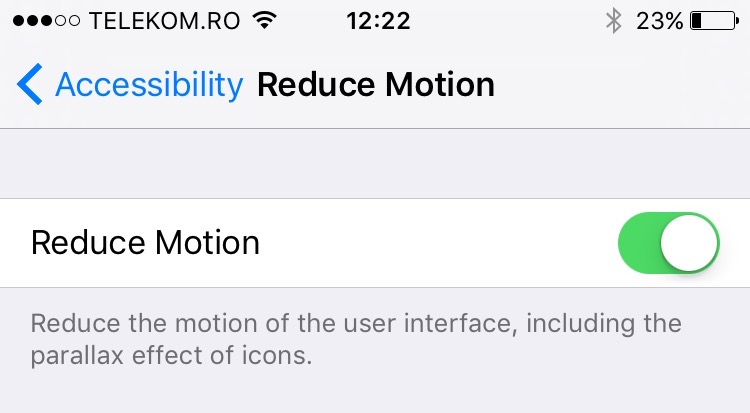
After activating this option, you will notice that the zoom effects when closing and opening an application have disappeared. As well as the movement of the background image. But the effects do not disappear. When opening and closing applications or folders, the zoom effect is replaced with a fade effect.


You may also be interested in...
