


One of the most interesting feature-uri introduced by Mozilla in Firefox 34, the newest version of the popular browser launched last week, is the chat service Firefox Hello, which allows users of this browser to initiate audio conversations or video via the internet. Firefox Hello is similar to Google Hangouts, but unlike the chat service from Google, it does not impose the same restrictions, Firefox Hello allowing users to initiate conversations like useri guest, the service can also be used without one cont Firefox, and those with whom you initiate the conversation do not necessarily have to use the Firefox browser (the browsers used by them must, however, be compatible with the messaging protocol WebRTC).

How can we initiate audio or video conversations using the Firefox Hello chat service?
Firefox Hello was introduced for the first time by Mozzila two months ago, it being until now only available on the test (beta) versions of the browser. In the newest version of the web browser, Firefox 34, the chat service should be available by default, but if the button Chat does not appear in the menu Customize, you can activate it manually using the instructions below:
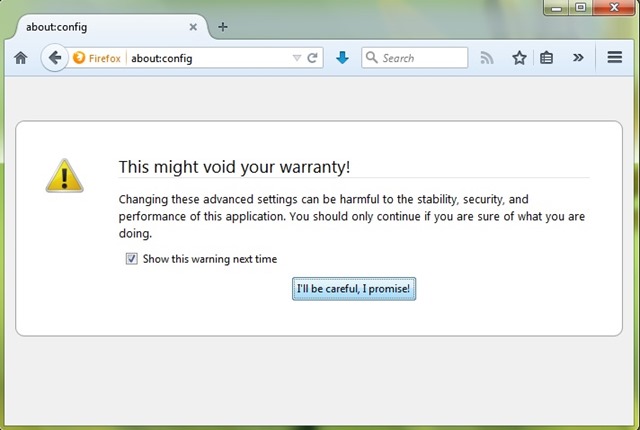
- open Firefox and type about:config In the address bar
- confirm that you want to access the browser settings by clicking on the button I’ll be careful, I promise!
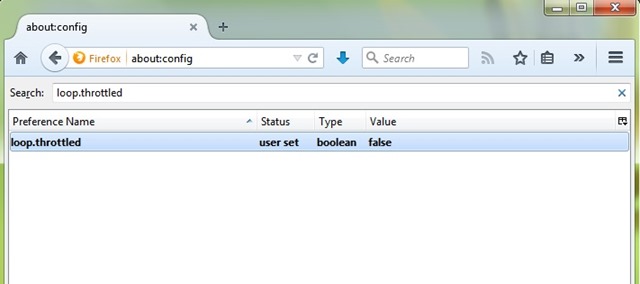
- then tatter loop.throttled In the field of right Search and double-click on the displayed result to change its value from true in false
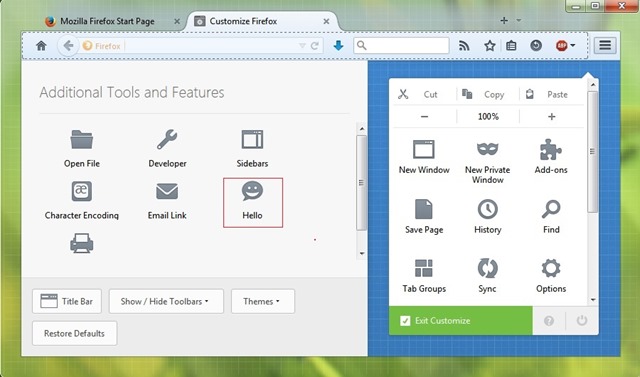
After enable the Firefox Hello service, drag the button Chat in toolbar (Open Browser menu > Customize) and click on it.
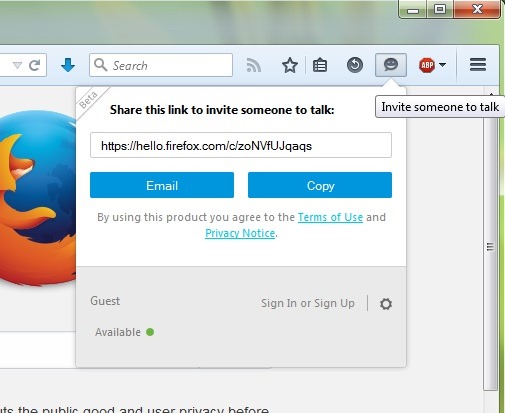
Then copy the link displayed and share it with the person with whom you want to initiate the conversation (via mail or other chat methods).
Basically, the person who receives the link will have to initiate the conversation by clicking first on the respective link, then on the button Start, while also being able to choose the type of conversation: video or audio (click on the down arrow).

Also, before responding to the chat invitation sent by the one who received the link, you too can opt for a conversation only audio (click on the icon in the shape of microphone next to the button Accept).
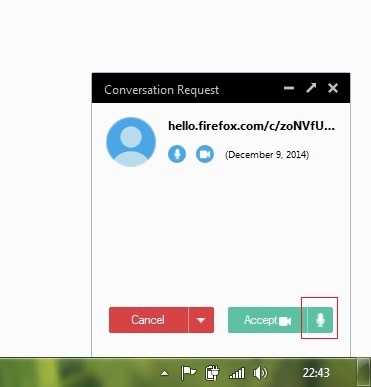
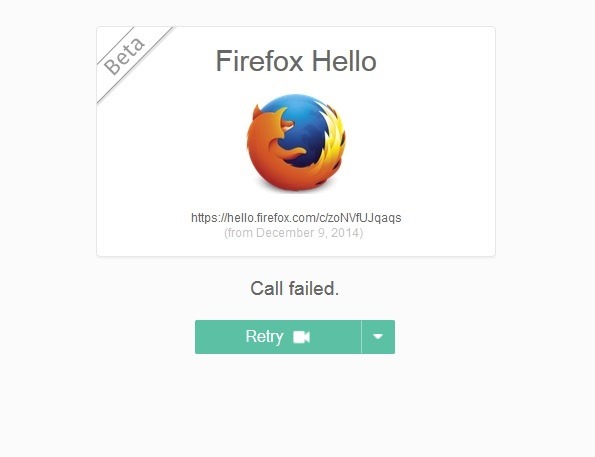
If you are late in responding to the invitation or if you click on the Cancel button, the person who initiated the conversation will be able to click on the Retry button.
At the moment Firefox Hello is still in the stage beta, something that unfortunately affects the quality of the conversations, both video and audio (the background noises are amplified and disturb the people engaged in the conversation). Also, the chat service lacks the way to initiate text conversations, something that would be both to the advantage of users who have problematic internet connections or do not have bandwidth, as well as to that of users who want to share various things (e.g. links) with each other.
STEALTH SETTINGS – How to use the new Mozilla chat service, Firefox Hello


You may also be interested in...
