

Often times, when we surf the Internet, we ask if privacy (privacy) is respected. To protect the interests of users, the majority web-browserelor they added the option of browse in Private/Incognito.
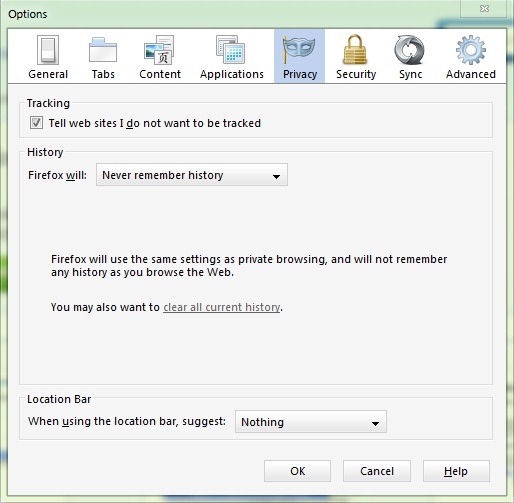
uSERS Firefox have the possibility to activate the mode In Private from the browser settings whenever they want to visit web pages that could "steal" personal information about visitors. But browsing In Private it is not permanently recommended, especially for users who frequently visit sites they have created Auditors, and its activation and deactivation in such cases can become irritating (especially if we are against time) or can be completely forgotten.
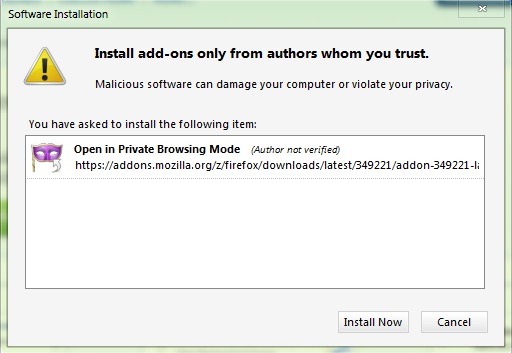
Open In Private Browsing Mode It's a add-on for Firefox which allows users to open various links in In Private mode directly from the right-click menu, without having previously activated the respective option.
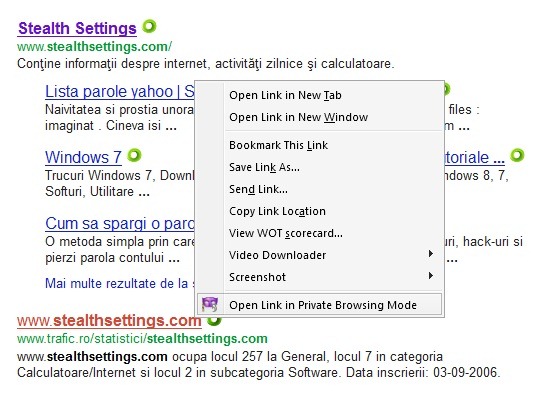
For example, if we have a Firefox window open, with several active tabs, and private browsing is not activated, we can open a link in modul private browsing in a new window by right-clicking on the link and selecting Open Link in Private Browsing Mode.
Download Open Link in Private Browsing Mode (Firefox Add-on)
By clicking on the button Back in the window opened in In Private mode, we will be warned that Firefox will not keep any kind of search history, for pages/sites accessed, for the downloads done, cookies or temporary files.
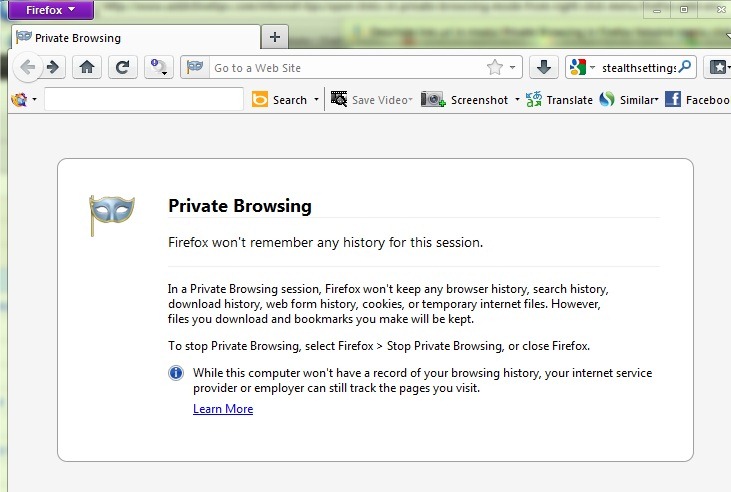
It is also specified how can we turn off In Private browsing mode (Click Tools in Bar menu and select Stop Private Browsing from the displayed menu).
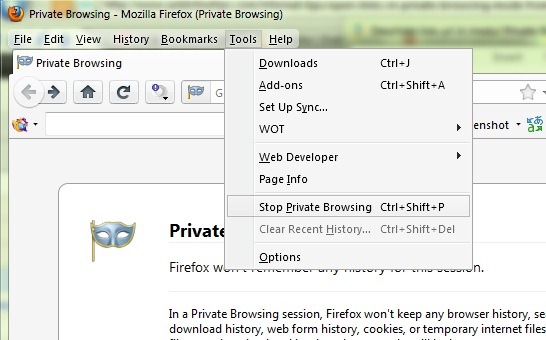
Note: Menu Bar in Firefox can be activated from Options (Firefox > Options > Menu Bar)
STEALTH SETTINGS – Open links in Private Browsing Mode in Firefox using Right-Click Menu


You may also be interested in...

One thought on “Open Links in Private Browsing mode in Firefox using Click-Drepta menu”