

For those who are not used to or have problems with Windows XP interface in English, the simplest solution is to install Windows XP pack in Romanian. In tutorial below we will help you Download you are Install the Windows XP interface in Romanian.
Download Windows XP interface in Romanian
Download interface package Windows XP Plimba Romana.mis – Download XP in Romanian. Language pack.
Installation Installations Windows XP in Romanian
With these Windows XP installation instructions in Romanian you do not have to have advanced knowledge in the field of PCs. You just have to follow the steps below.
1. Save the file from the link of download above, then do double-click on it to start Installation.
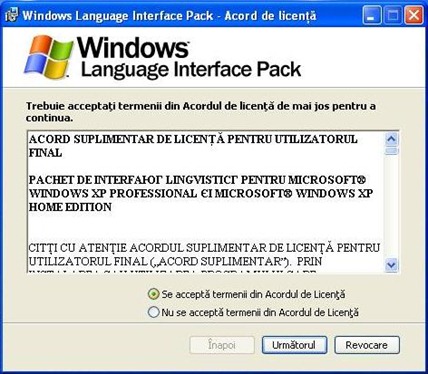
2. In the first installation window you will ask whether or not you agree to the Terms and Conditions. You have to check “The terms in the license agreement are accepted” Then click on the button “Next“.
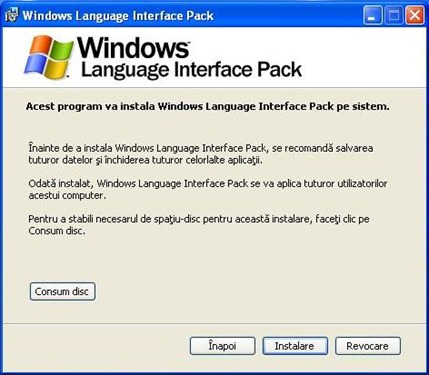
3. Installation understands you will need to close all open programs on your PC (Y! Messenger, Internet Explorer, Video Player, etc.…). After closing the programs Click the button “Next” To start the process of installing Windows Language Interface Pack in Romana.
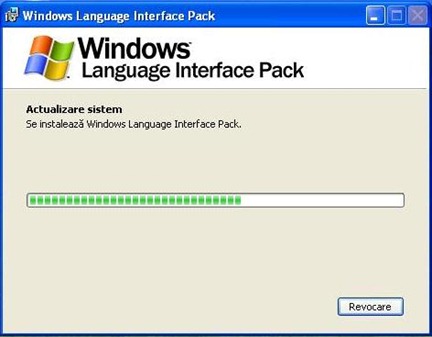
4. Wait until the installation process is completed ….
5. At the end of the installation of Windows XP in Romanian the next dialog box will confirm that the installation has succeeded:
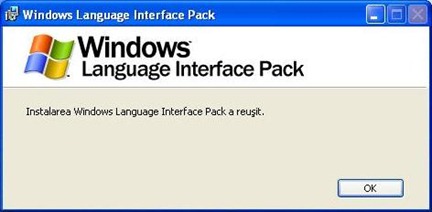
6. Press OK then press “And” to restart (restart) the operating system.
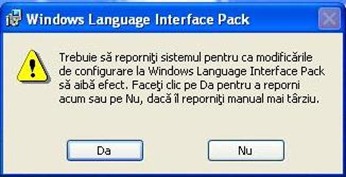
When restarting the operating system, Windows XP will be in Romanian.
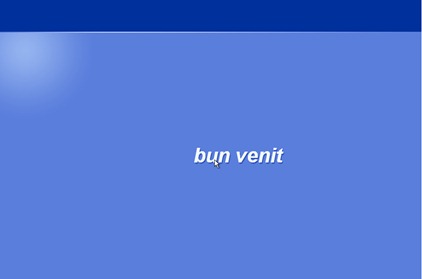
The message of “Welcome“.
Windows XP interface in Romanian:
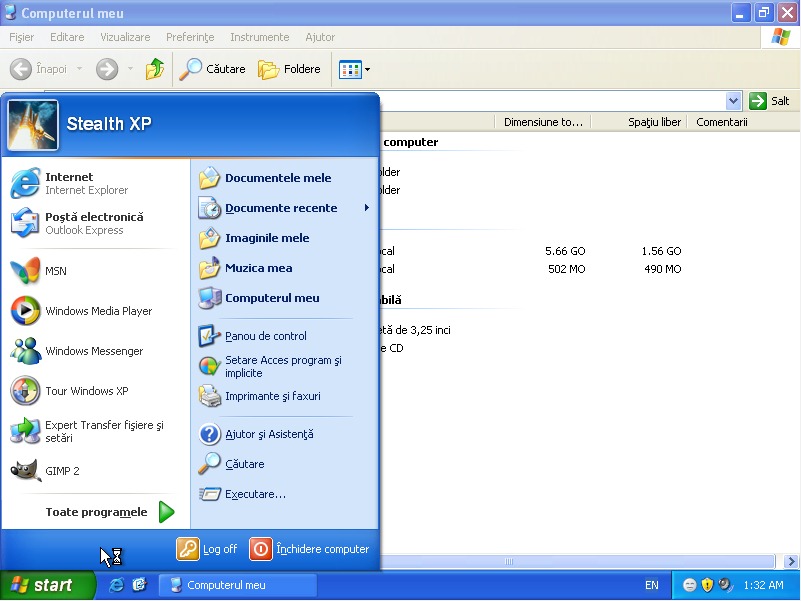
It is the simplest solution to change the language of the operating system and to move from English to Romanian.
For Windows7 users who want to pass the operating system in Romanian, the solution is at the following address:
Windows 7 with Romanian interface interface [Download & Install]


