


Between February 22-25, 2016, the Mobile World Congress took place in Barcelona, an event where the newest gadgets, devices and business solutions for the new era were presentedBusiness 3.0.
By far the most interesting presentations were of mobile solutions that offer portability, flexibility and performance when it comes to applications dedicated to the business environment and office.
The Chinese giant Huawei has come up with the newest invention dedicated to portability and performance applications running on Windows 10. MateBook it seems that it is a successful replica of the newest tablet from Apple, iPad Pro.
Features Huawei MateBook with Windows 10
The 12-inch screen and 12160 x 1440 resolution for touchscreen bring MateBook to the dimensions of a perfect tablet to be equipped with a removable keyboard and a pen that the Huawei people called MatePen. It is very precise with functions dedicated to those who want to create works of art on the MateBook. The MatePen recognizes up to2,048 levels of pressing (pressure) and has functions optimized for PowerPoint and other business and office applications. applicationAutodesk Sketchbook Pro for painting and drawing is offered free of charge for one month in the trial version.
4,430 mAh battery optimized for the LCD screen and audio drivers / video, takes the MateBook up to 10 hours of use. A pretty good time for a Windows 10 tablet.
charger it is very similar to that of an ordinary mobile phone. It is only 110g and adjustable voltage12V/9V/5V. The connection is made throughUSB Type-C and microUSB standard.

On the security side, Huawei Matebook takes on a characteristic of iPad Pro. Authentication byone-touch fingerprint. Cu fingerprint by a single touch of the power button on which the fingerprint sensor is located. Huawei took the fingerprint functions a bit further and added the logout or deauthentication command by pressing the power button more firmly with your finger. Basically, when pressed, it executes the command Ctrl+Alt+Del. In addition, several fingerprints can be added specific to each account created on the Windows operating system. Windows Users Accounts.
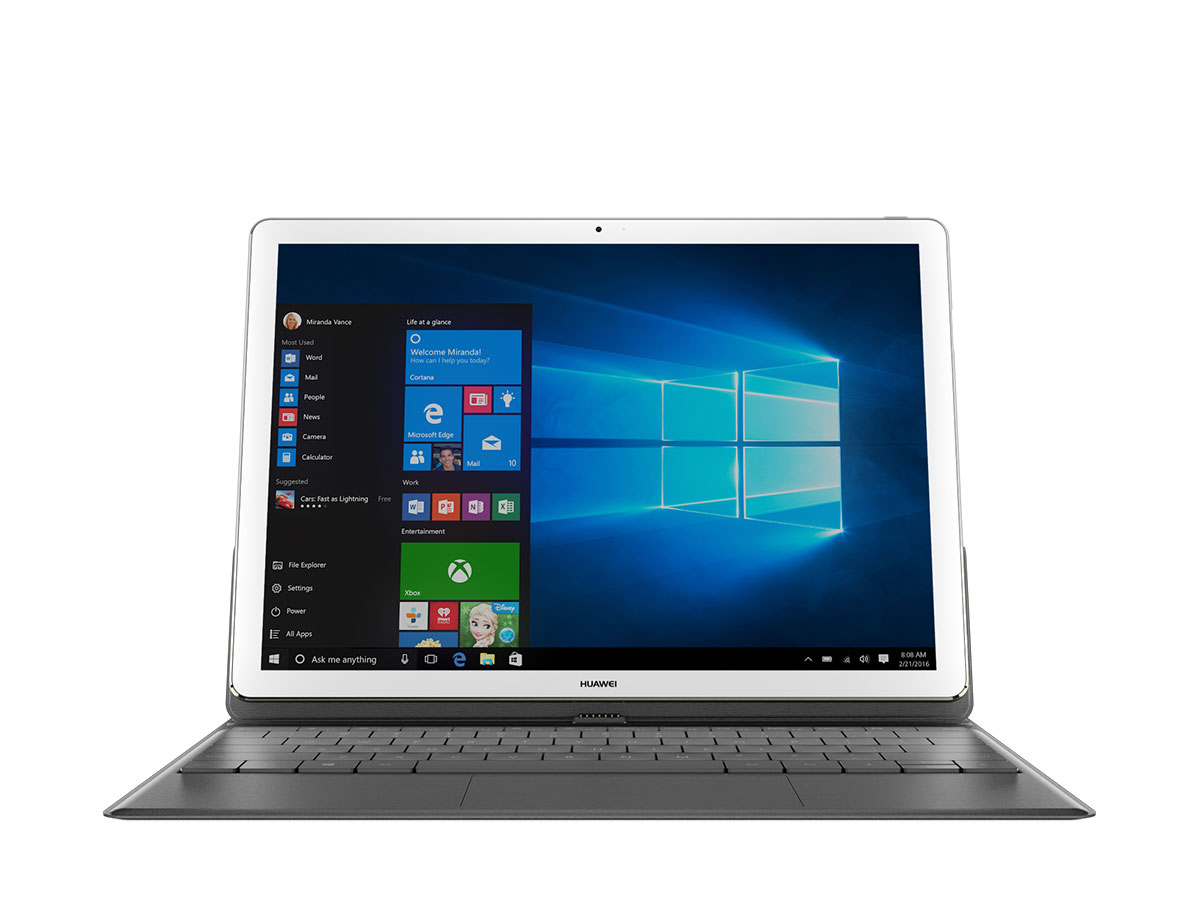
Under the MateBook case we find Intel processors 6th generation, m 3, m 5 or m7, with a power of up to 3.1 GHzable to run any business application on Windows 10 Home or Windows 10 Professional.
The All-in-One MateBook (including the detachable keyboard and the MatePen) reaches the price of $1,399 for the variants with processor Intel Core m7 cu 8GB RAM and 256 GB storage capacity.
It is not yet known in which month these tablets with Windows 10 will be present on the Romanian market, but according to expert estimates, somewhere in July – August, MateBook will be present in our stores.


You may also be interested in...
