
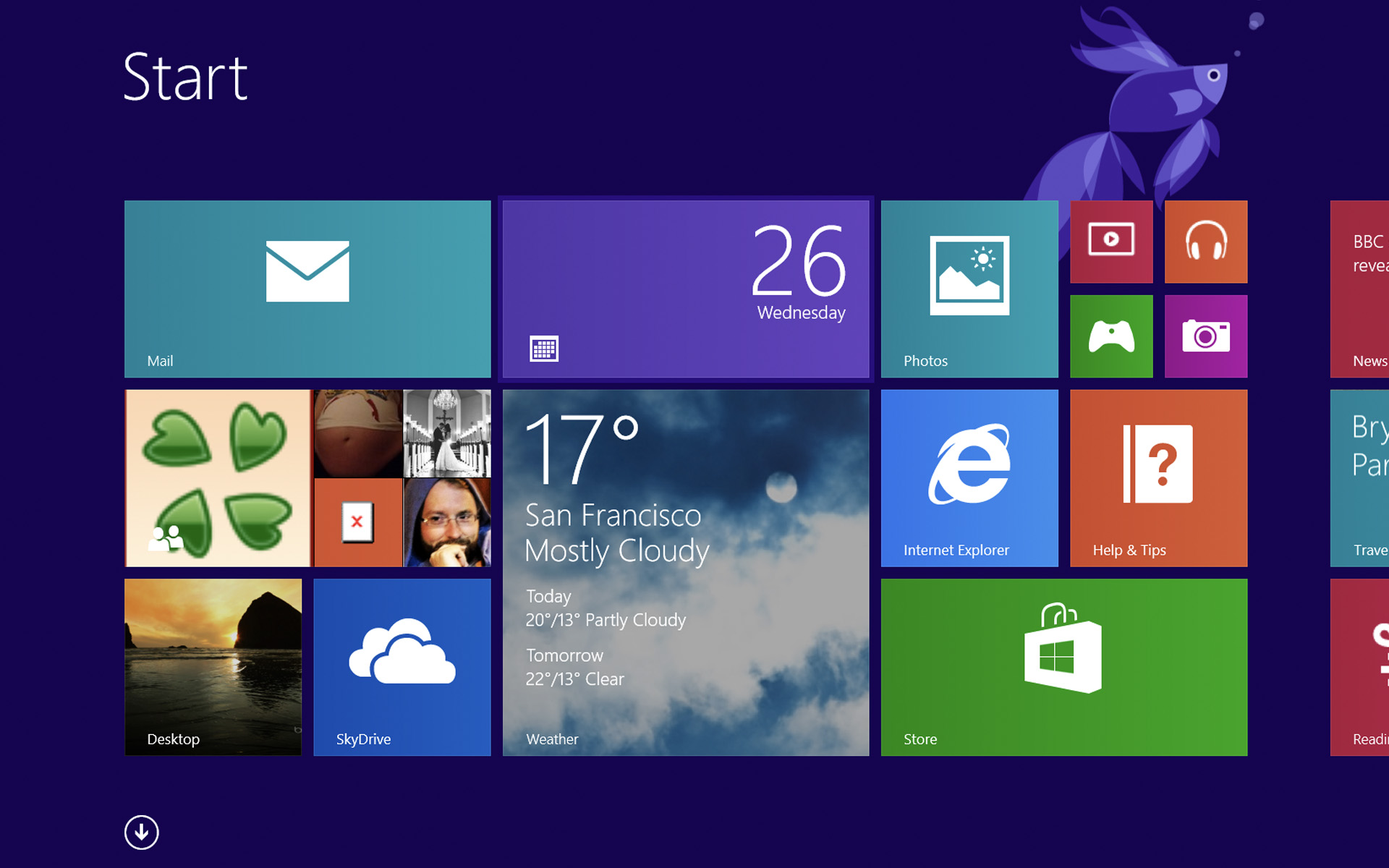

Although almost 10 months have passed since the launch Windows 8 (plus the time the users had available for testing it before the launch the final version), there are still enough users who still prefer to use it Third-Party applications to give to him aspect and functionality similar to a Windows 7 operating system (use classic interface and reactivation button SI and Start menu).
RetroUI It's O premium app with the help of which users can reactive classic interface a Windows operating systems back in Windows 8 (inclusive Start Menu-ul) without giving up other benefits and new features its.
RetroUI Features
- Start Button and Start Menu as in Windows 7 (the Start menu integrates all the new features of Windows 8)
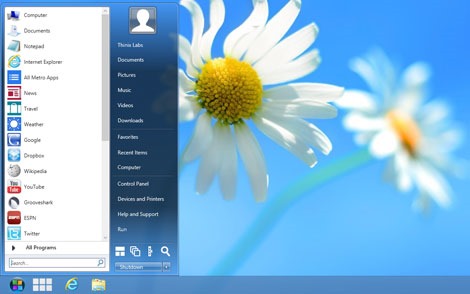
- interface similar to Windows 7 (display Taskbar SI and the start button when they are active modern interface features, so users can return to the classic interface with a simple click)
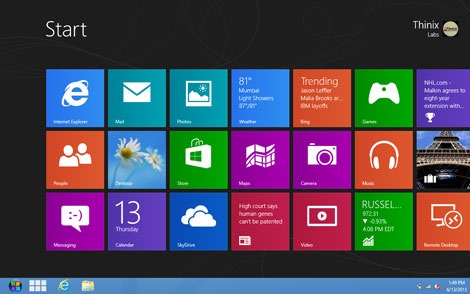
- the possibility of avoid using the modern interface and of a disable hot-corners
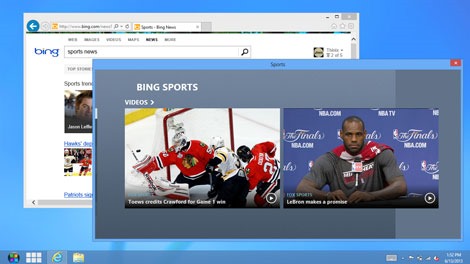
- the possibility of run the modern interface and Modern applications in windows (and not full screen)
- feature-ul Tablet View for organization of programs depending on their use (this can be activated by clicking on the button next to the Start Menu and allows its users apron you are group the programs in function of the frequency of use them)
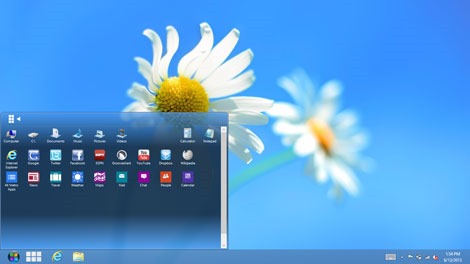
application RetroUI has a free version, which has fewer features than the premium one, and which can only be downloaded via Facebook page of the developer (you will connect on Your Facebook account, data Like page of Facebook has RetroUI, then go to Page the Download of the premium application, select the desired version and enter Your email address; the license for the free version will be sent via e-maill and can be used with the downloaded premium application). The premium version (with all pro features) costs 4.99$, but it can be used free 7 days since installation.
Download RetroUI for Windows 8.
Here find more details on how you can use the RetroUI Free version.
STEALTH SETTINGS – Bring back classic UI in Windows 8 with RetroUI


You may also be interested in...
