


For web designers, check the compatibility of the sites which they achieve with everything browsers existing is crucial. Although Microsoft they announced that they will soon release the final version of Internet Explorer 8 (currently available in the variant Beta), again IE 7 it already has many followers, many users Windows XP I still use it IE 6. And sometimes a site optimized for IE 8 or IE 7 is not optimized for IE 6 either (either because this was the designer's wish, or because he did not have IE 6 available for testing).
In Windows XP it is possible to return to IE 6, but the option is not available for Vista or 7, because there is no version of IE 6 compatible with these operating systems.
So, how can we install IE 6 in Windows Vista or Windows 7? Microsoft has made it available to users virtual images (.vhd) that contain pre-activated copies of a Windows XP SP3, which includes previous versions of Internet Explorer (IE 6 or IE 7).
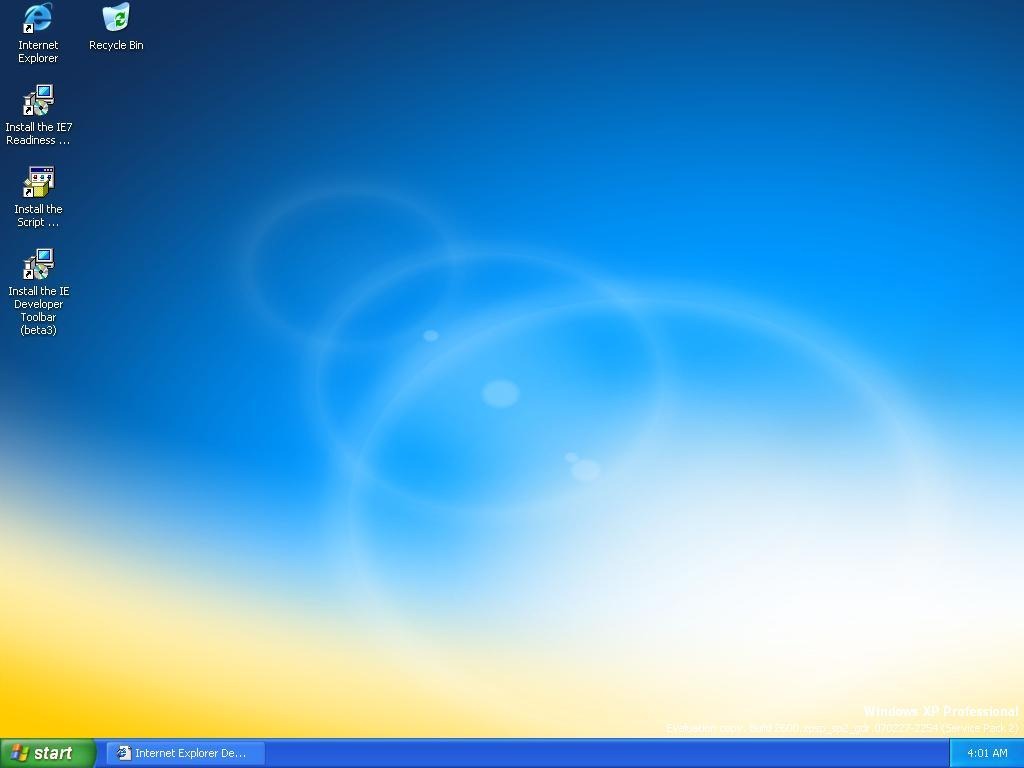
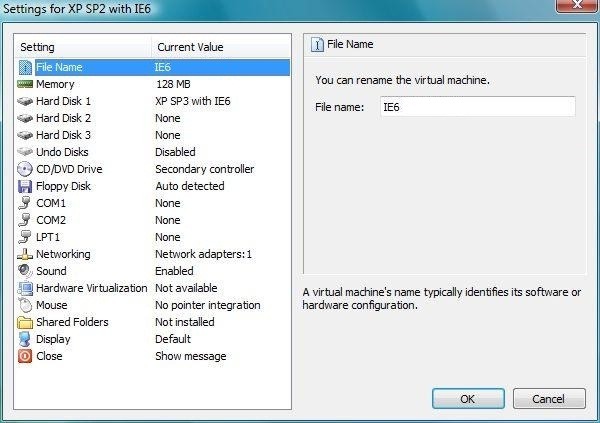
To be able to use these images, you must install Virtual PC 2007. After installation, create a virtual system (select Default Settings) from Virtual PC Console and then mount the images on the hard disks of the virtual system.
Note: Although periodic expires, VHD files are Update permanently by Microsoft. However, each time it expires, you will have to redownloadati to be able to continue using them.


You may also be interested in...

2 thoughts on “Install IE 6 on Windows Vista/Windows 7”