

If you are not satisfied with customization options offered by Microsoft for Windows 8 operating system, you can call on various Third-Party applications with the help of which you can customize the system from equipment depending on preferences. Logon Screen Rotator is such an application, which allows the automatic change of background images for Logon Screen and Lock Screen after each one logging and/or lock of Windows.
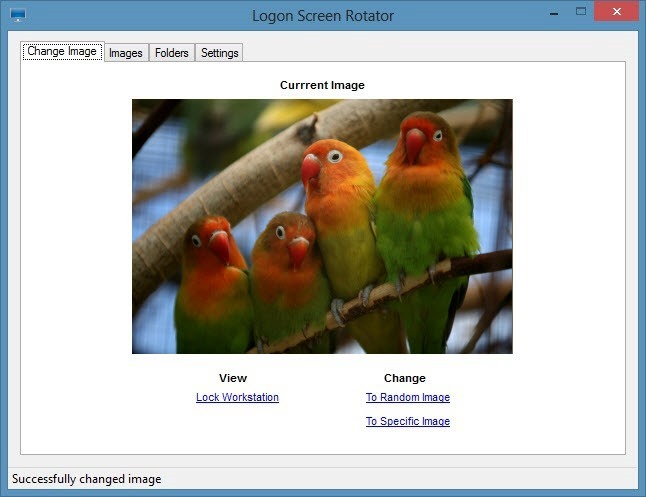
Utility Logon Screen Rotator can be set to change background images for Logon Screen and Lock Screen to certain specified intervals. The background can be set to change automatically once a day, to each login or lockout of the system or to each logging and blocking (both actions are necessary) of the system.
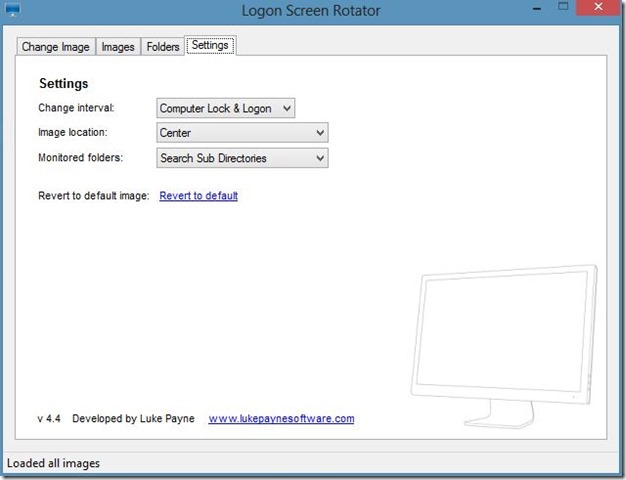
Background images can be selected from one or more leaflets and can be changed to random order, or depending on user preferences.
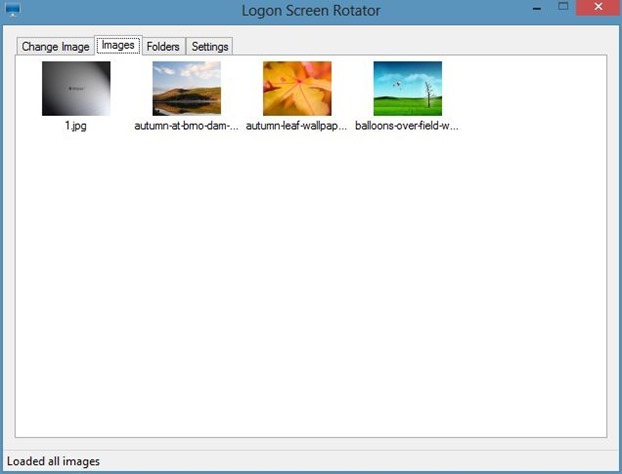
The first time you use the application, it will ask permission to use the images in the folder (My) Pictures. If you don't want to use it personal images or you prefer to select another location, click on No.
If background images does not change immediately after the first use of the application, give one restart system to fix the problem.
Download Logon Screen Rotator.
Note: Application compatible with Windows 7 and Windows 8, 32 and 64 bits.
STEALTH SETTINGS – Download Logon Screen Rotator for Windows 8


You may also be interested in...

One thought on “Download Logon Screen Rotator for Windows 8”