


The most effective way to repair a Windows buggy/virused etc. este formatting hard disk and the reinstallation of the system. In Windows 8, repair and reinstalling the operating system was simplified by introducing the second new features, Refresh PC and Reset PC. But no matter if you choose one the classic version of reinstallation or one of the simpler options provided by Microsoft, we need License code for Windows 8 for the reinstallation to take place.
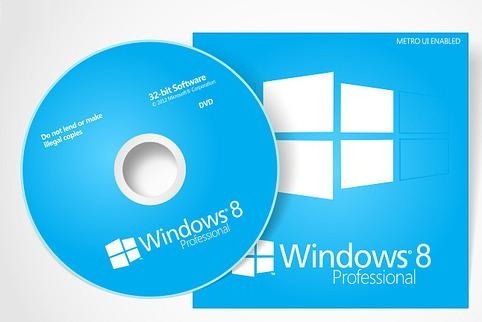
You can find the license code for Windows 8 on The installation DVD as well as in Email received at purchasing a copy of the system online. If you cannot find the installation DVD or have deleted it by mistake (or due to an error) the email with the license, you still have a way to find out which one it is Windows product key with the help of one Third-Party applications, ProduKey.
ProduKey este o Free utility which helps users to find out quickly the license code for the version of Windows installed on the computer. All you have to do is to Roll the application (this does not require installation), and this one it will display the license code.
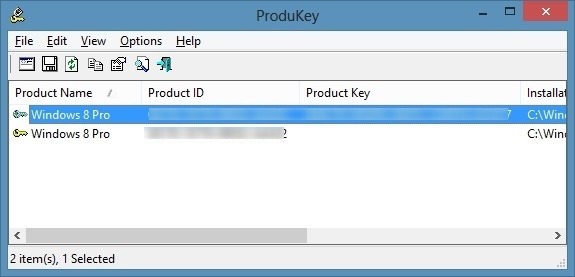
ProduKey also allows rretrieving the license key from an external Windows directory (if you use Windows in dual-boot), or find it out from one computer remote (or from computers in the local network), or even recover it from registers located on an external device.
Note: ProduKey is also compatible with Windows 7, Windows Vista and Windows XP (32 and 64 bits).
Credit @NirSoft.
STEALTH SETTINGS – Recover Windows 8 Product Key


You may also be interested in...
