
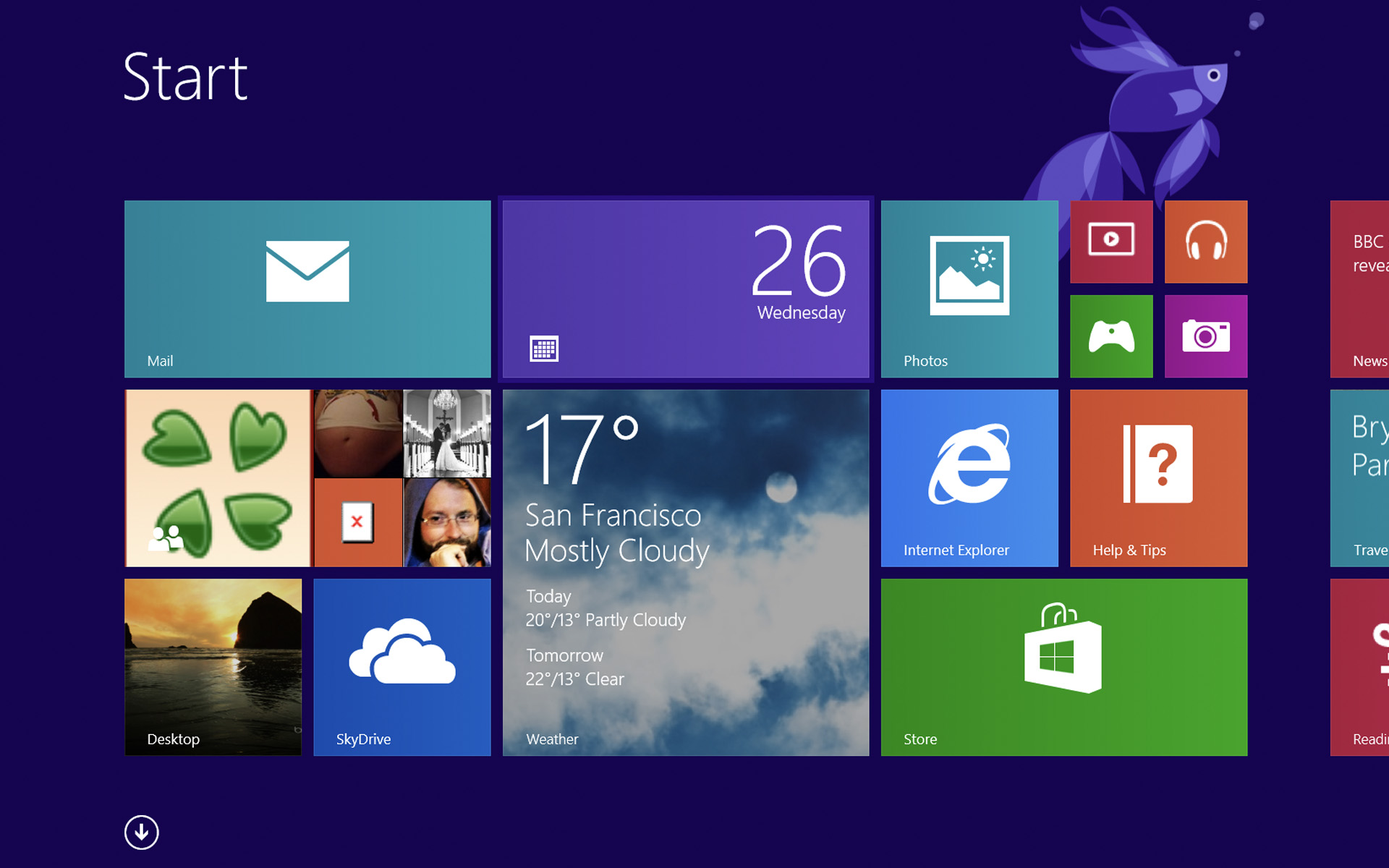

If you are a user Windows 8, then you must have tried dozens of Modern applications, including many that occupy the space in system for nothing. If you think it's time to do a little cleaning, you have either option vanati in Start Screen tile sites applications you want to uninstall, either use the option Windows App Boss.
Windows App Boss It's O Free application and which does not require installation (portable) that allows Windows 8 users to uninstall modern applications directly from the Desktop. This has a Simple interface and easy to use, which list all installed modern applications and the system.
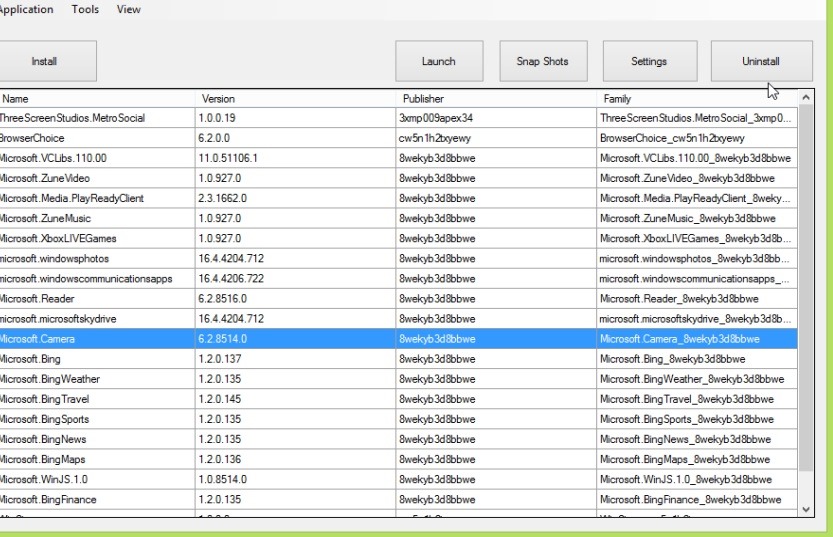
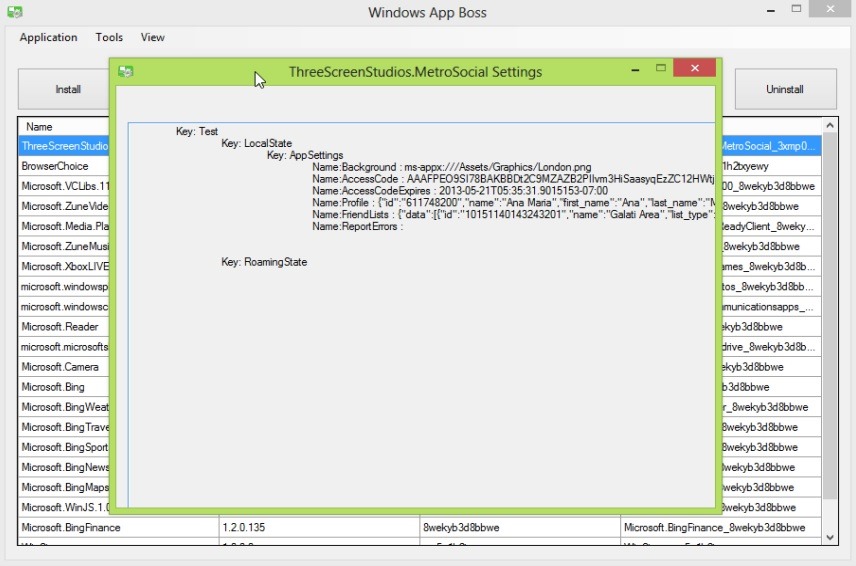
Apart from the option to uninstall modern applications, Windows App Boss comes bundled with others feature-uri interesting such as the possibility to register applications, to add, delete or update Windows Developer License (application producer/developer license), by a view settings and custom data of the applications, of a enable/disable the sideloading option or of a launch modern applications which are not displayed in the Start Screen.
Note: The application is not compatible with Windows RT systems
STEALTH SETTINGS – Uninstall Windows 8 Modern Apps with Windows App Boss


You may also be interested in...
