


Released with the system OS X TIGER, in 2004, feature-ul Dashboard offers users acces instant the utility system (computer, calendar, webcam) and information (stock market, weather) via widgets. Pana in OS X Mavericks (inclusive), Dashboard was activated in the mode default in the system, but in OS X Yosemite, Apple decided to leave the activation of this feature up to the users.
Although in previous systems The x many users preferred to disable Dashboard, there are enough people who used this feature. In case you have upgrdat la Yosemite and you feel the lack widgets, you can activa Dashboard Following the instructions below.
How do we enable Dasboard widgets in OS X Yosemite?
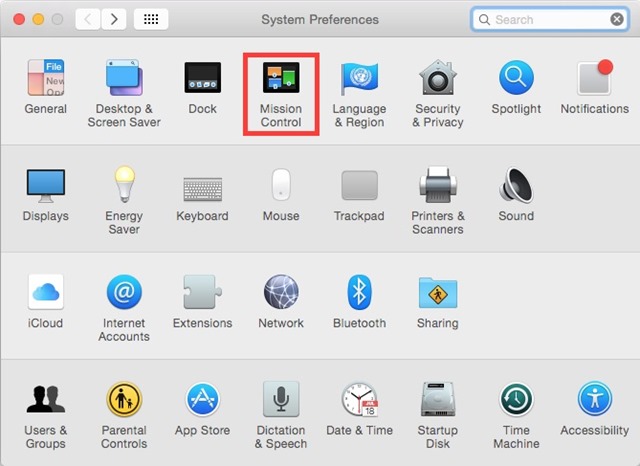
- open System Preferences and click on Mission Control
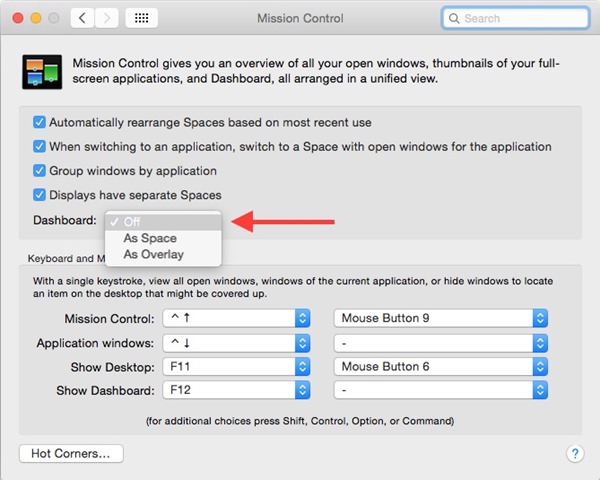
- Then open The Drop-Down menu displayed in law Dashboard and select one of the options As Space or As Overlay (by default the option is selected Off, which completely disables the Dashboard feature)
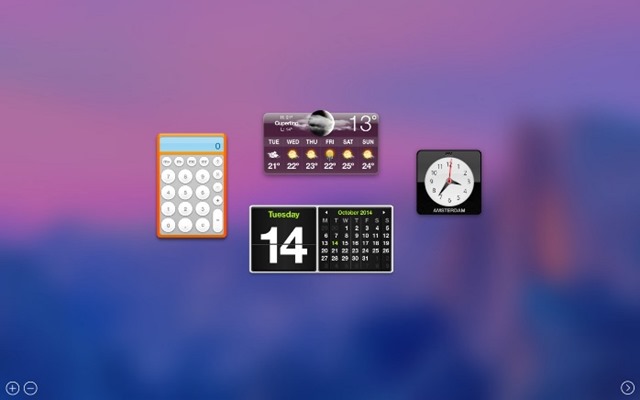
- choice As Space displays the Dasboard in a new space, to the left of the desktop
- OPTION As Overlay will display the Dashboard over the current desktop
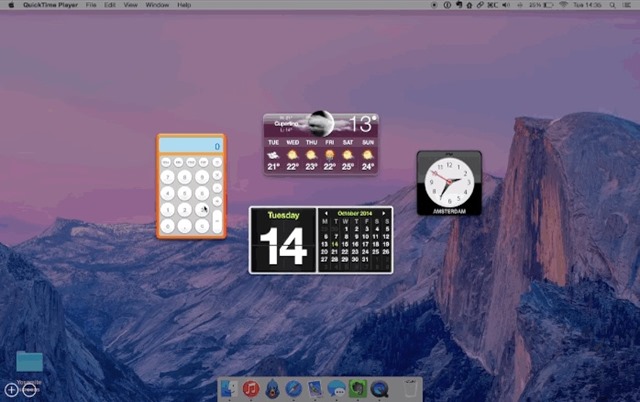
Whatever display option a Dashboard selected, the activation of the feature will have Immediate effect, without requiring a system restart. In case you later want to Disable this feature again, select the option again Off from the menu.
STEALTH SETTINGS – How to enable Dashboard feature in OS X Yosemite


You may also be interested in...
