
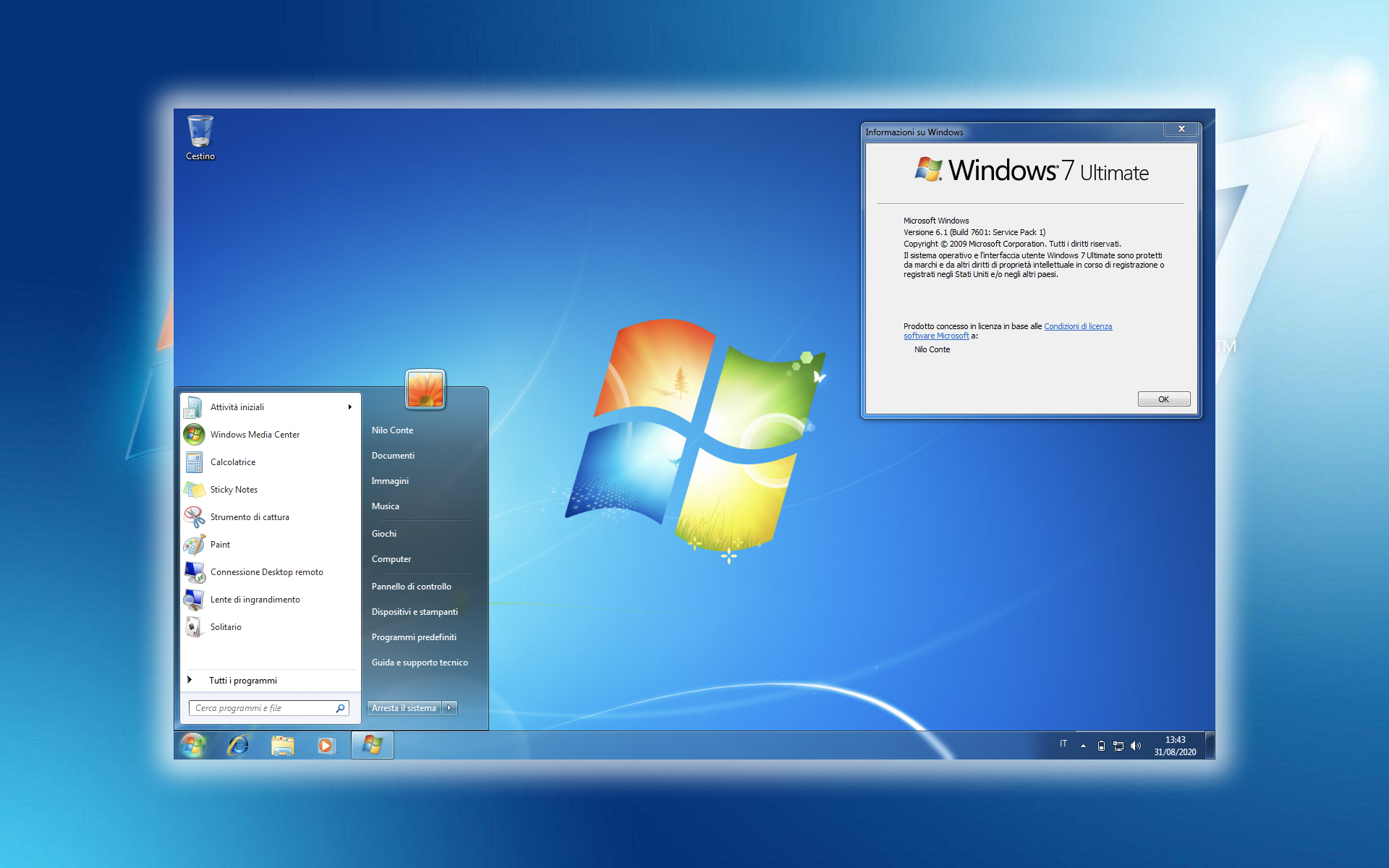

If you prefer that dthe desktop of the computer dvs to be as clean as possible (that is, not to display too much icons) or if it seems to you that the icon will "stop" you quite often Recycle Bin but don't be afraid to give it up for easy to understand reasons (deleted files that end up in the recycling bin will continue to occupy hdd space until they will be deleted from this or maybe you want on restore certain files that ended up in the Recycle Bin or maybe you want to periodically check how many files have been deleted from the computer – provided that they have not been completely deleted with the key combination Shift+Del), Is there a application with which you can move The Windows Recycle Bin in System Tray.
SysTray Recycler It's O Free utility, care does not require installation (just extract the contents of the archive and click on the file .exe) and which allows users Windows to give up the icon Recycle Bin from the Desktop, displaying it instead in Taskbar, next to the time and date. It can be opened and/or emptied directly from SYSTRAY (right-click on the icon) and it will show how many files it contains by simply positioning the cursor over the icon or how much space the files in the Recycle Bin occupy.

In addition, users of the application will be able to delete temporary files (Temp files) direct din systray.

When using the application for the first time, the message will appear on the monitor Manifest file has been re-initialized. (this message will only appear once, reappearing only if the manifest file is deleted). Click on OK, then click again on SysTray Recycler.exe.

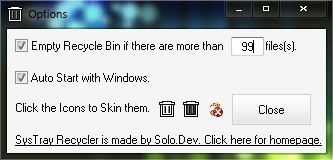
You can set automatic start a SysTray Recycler along with his Windows automatic emptying of the Recycle Bin depending on the number of files contained in Options.
In order to delete the Recycle Bin icon from the Desktop in Windows 7 or Windows Vista, right-click on the Desktop and select Personalize from the displayed menu. Then click on Change desktop icons (on the left of the open window), uncheck the box in front of the Recycle Bin icon and click on OK. To delete the Recycle Bin from the Desktop in Windows XP, use the application Microsoft TweakUI, available at This link.
Note: To display the SysTray Recycler permanently in the Taskbar, open the System Tray and click on Customize. Then select Show icon and notifications from the drop-down menu next to Recycle Bin for the Tray.
*Credit @Solo.Dev deviantart.com


You may also be interested in...
