

System Folder Customizer It's O Freeware application that allows users Windows 7 on customize system folders (Windows Explorer, Libraries, My Computer, Desktop) by adding some shortcut-uri to various tool-uri, settings and native applications but of Windows.
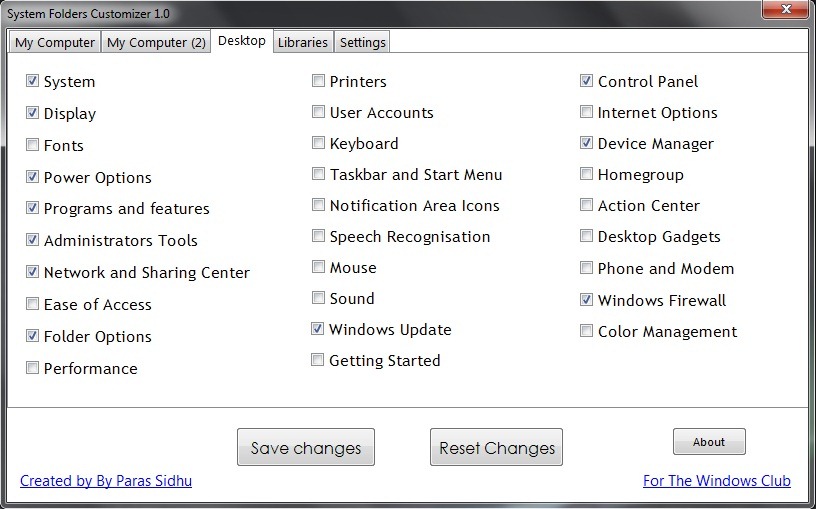
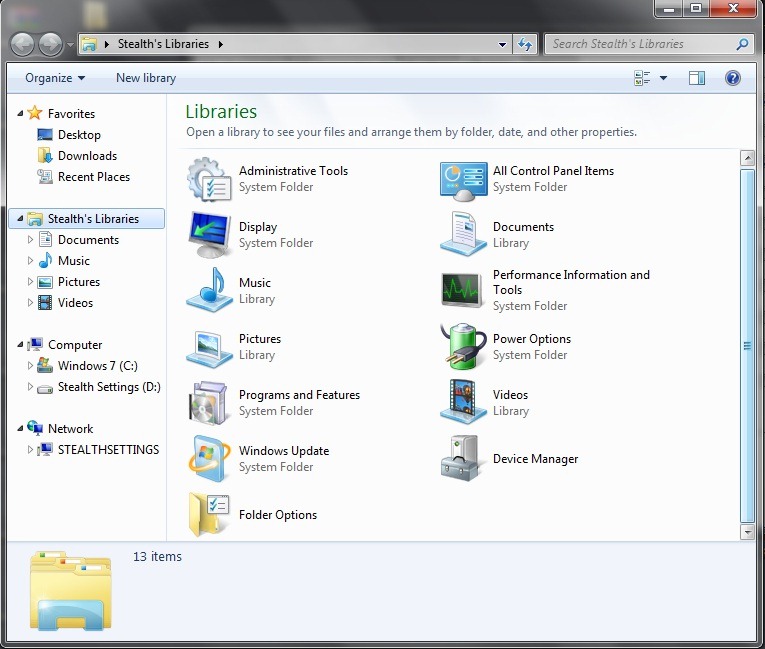
With System Folder Customizer you can add shortcuts to Administrative Tools, Folder Options, Power Options, Program and Features, Taskbar and Start Menu, User Accounts, Device Manager, Performance, Action Center, Windows Update And others Windows utilities directly on the Desktop, in Libraries (Windows Explorer) or in My Computer for o faster access of them.
The application helps Windows 7 users to save precious time when they need one of these tools or system applications. You also have the possibility to turn off My Computer from the tab Settings.
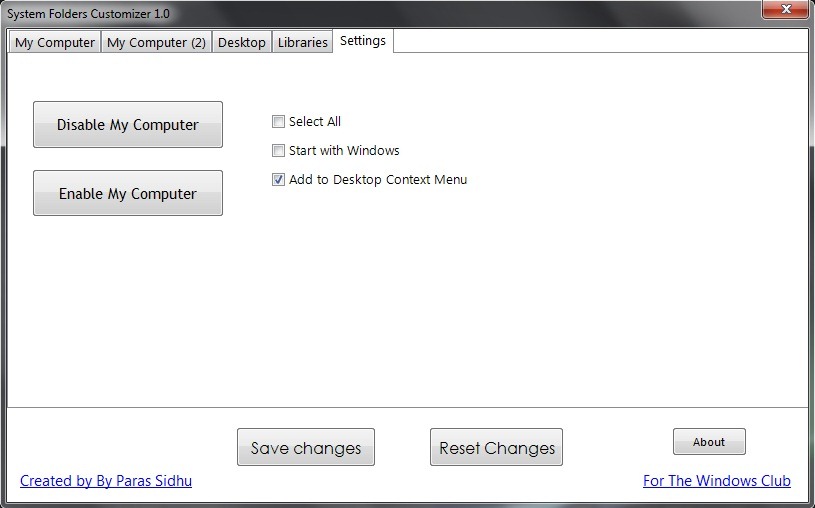
System Folder Customizer este Portable application (does not require installation) which means it can be run from anywhere, even from external devices such as USB-Stickurile. In addition, any settings made with the System Folder Customizer can be reset (that is, the system returns to the settings before using the application).
Download System Folder Customizer.
Note: Compatible with all versions of Windows 7, 32 and 64 bits.
STEALTH SETTINGS – Customize System Folders in Windows 7 (System Folder Customizer)


You may also be interested in...

3 thoughts on “Customizeza folderele de sistem in Windows 7 (System Folder Customizer)”