
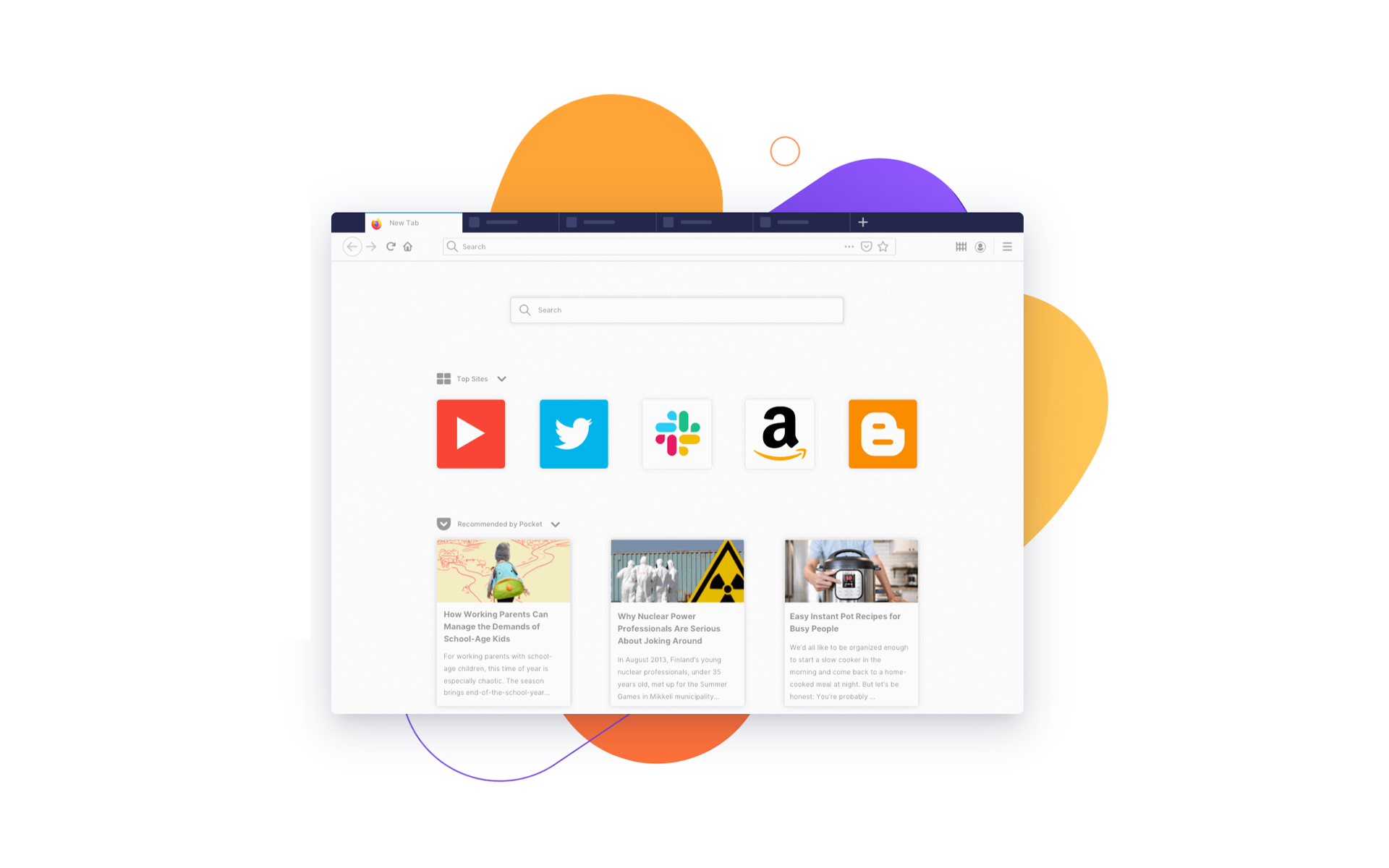

If I'm not mistaken, Speed Dial (or shortcuts with icons for New Tab) appeared as a default option for the first time on Opera. The browser that otherwise improved this option on the new versions, allowing a better management and timing with mobile devices (Phones, tablets, smartphones).
Pe Google Chrome If we want to use Speed Dial We will have to call on extensions, and on Mozilla Firefox the add-on-uri. extensions and/or add-ons de Speed Dial are a few, but in our opinion the most interesting is FVD Speed Dial. Extension offers a good management, consume few resources and is very CustomizedS Ne Permite to create and open groups of links with a single click, to change the order of the web pages added to the Speed Dial, SA We change the picture of background, in we increase or to reduce the icons. SA SETAM Transparency of icons, plus many more.
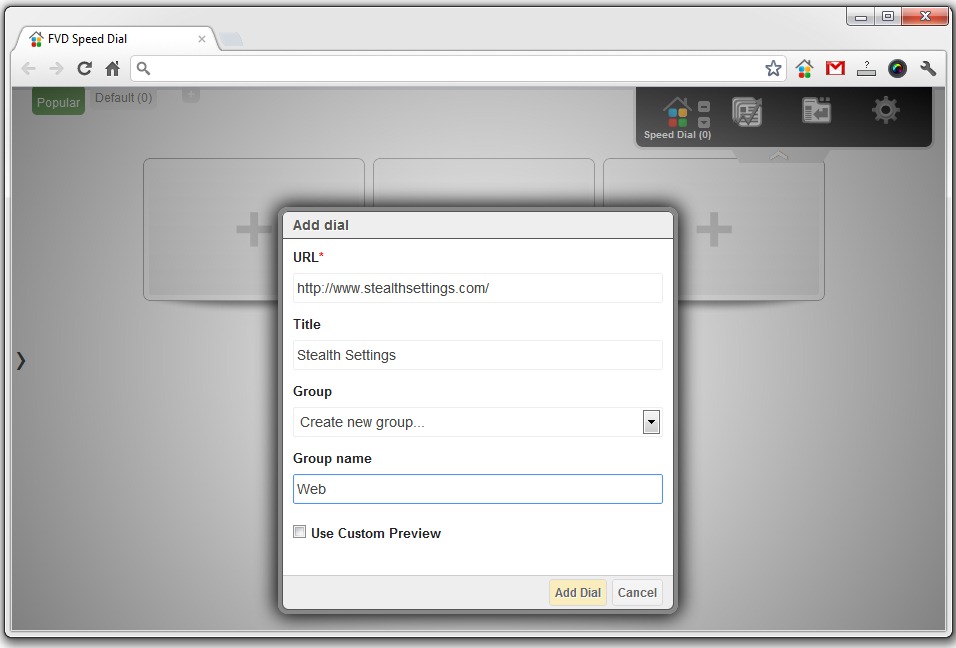
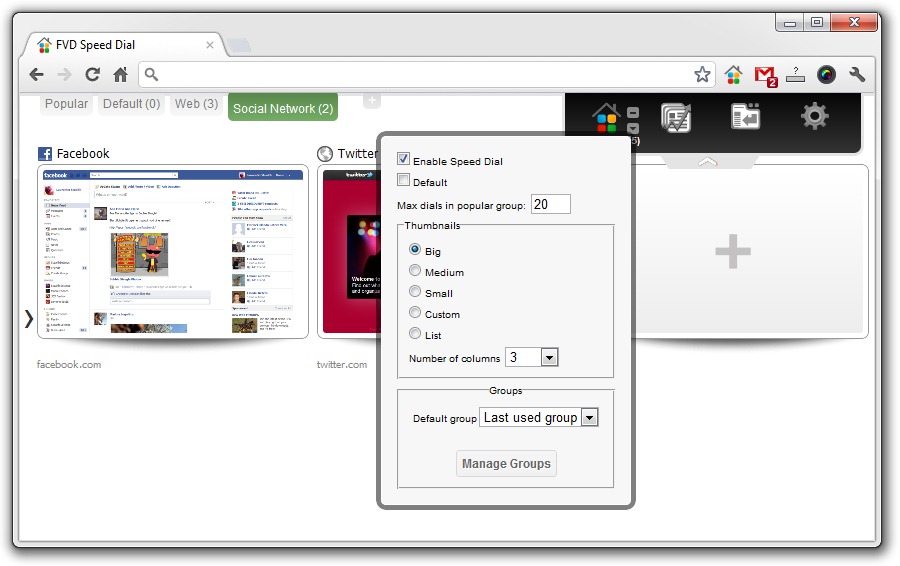
Here are some screenshots with FVD Speed Dial to work on Google Chrome.
Add page to Speed Dial.
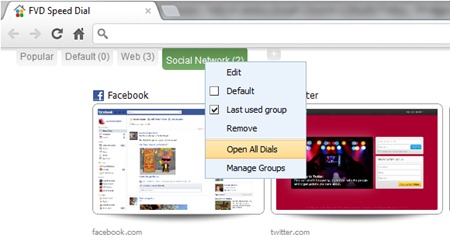
Opening in New Tabs of all links in a group.
General settings
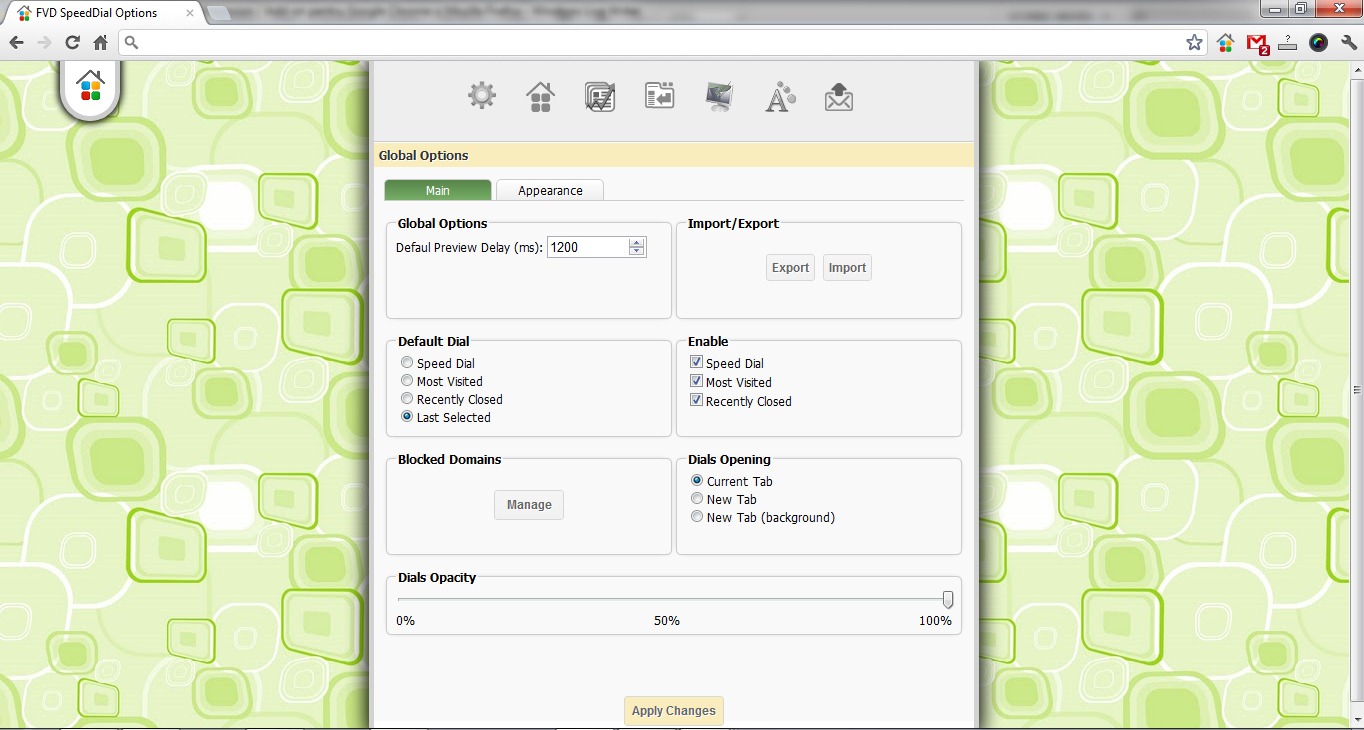
Speed Dial Personalization Settings
For Mozilla Firefox, FVD Speed Dial It offers the same options, being as complex and well -developed.
Download FVD Speed Dial pentru Google Chrome – download link.
Download FVD Speed Dial pentru Mozilla Firefox – download link.
After installation, click on the FVD Speed Dial box for configuration.
Stealth Settings – Download FVD Speed Dial for Google Chrome and Mozilla Firefox.


You may also be interested in...
