

For those who have signed up in the program of upgrade of Microsoft for the operating system Windows 10, avem o veste buna. In cursul zilei de ieri, Microsoft has launched the final version of Windows 10.
The new operating system is available at download /update through Windows Update, for all those who have registered in the Windows upgrade program. The new Windows 10 is available for both users of Windows 7 as well as for those of Windows 8 or Windows 8.1.
How can we download and install Windows 10
*This tutorial is addressed only to those who have “registered” PCs in Microsoft's Windows upgrade program. Details can be found here.
1. Whether you already have Windows 7 or Windows 8 / 8.1 installed, click on the Windows 10 icon in the right-hand corner (Systray) and check your system update status.
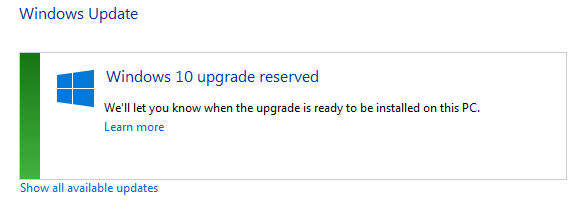
2. Click pe “Get Windows 10“
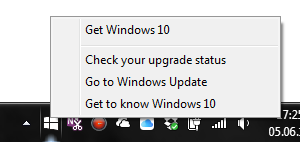
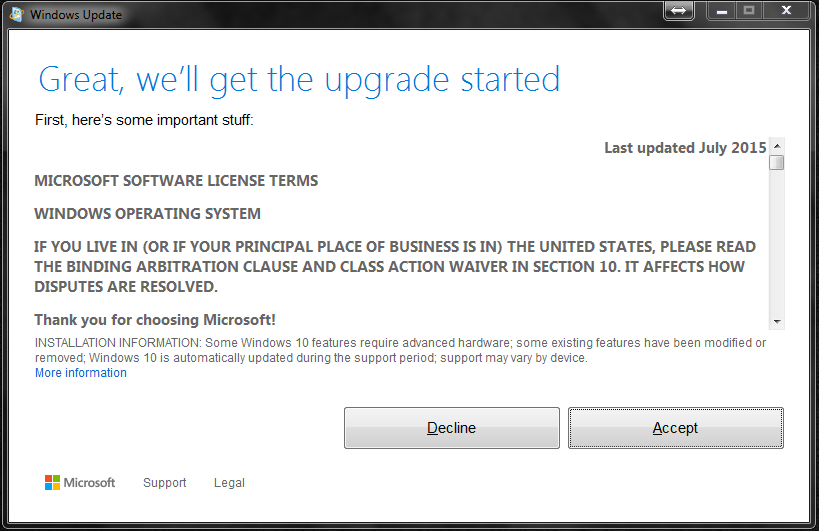
3. Accept “Terms and conditions” (Not that you have a choice if Dort
You will upgrade to Windows 10 :-))
4. In the next screen, click on the button “Start the upgrade now“.
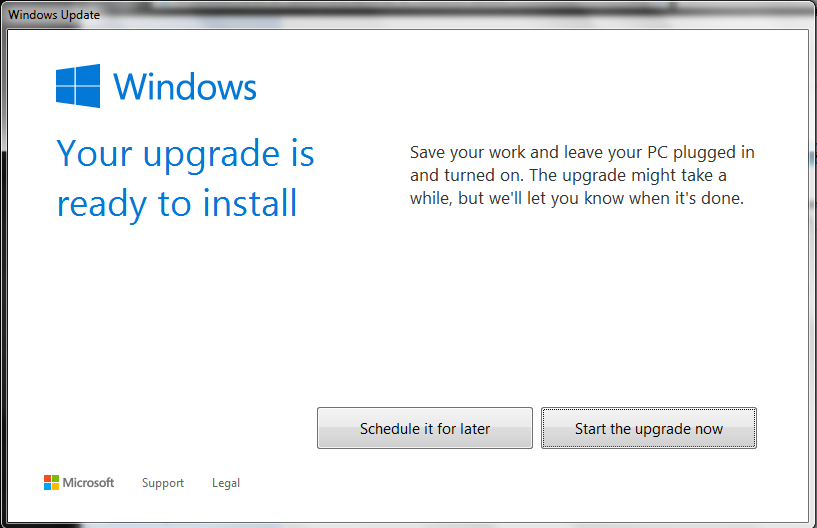
After this step the upgrade process will begin. You will have to wait a while until it is done Download and upgrade to the new Windows 10.
If you upgrade from Windows 7 la Windows 10 And you have a password user on the operating system, after completing the upgrade you can replace the user and the password with an outlook.com / msn.com account, to authenticate either with the password of that account or a with one with a PIN code that you can set your
Acest upgrade este gratuit, insa tineti cont de faptul ca daca folositi sistemul folosit anterior de dvs. a fost piratat, No license will be activated for Windows 10.


You may also be interested in...
