

Updating drivers for Windows operating systems is one of the fundamental tasks of maintenance for computers provided. DriverMax It's O Free utility that helps users Windows SA-SI update the drivers for hardware components of computers whenever necessary (to maintain a efficient operation of them).
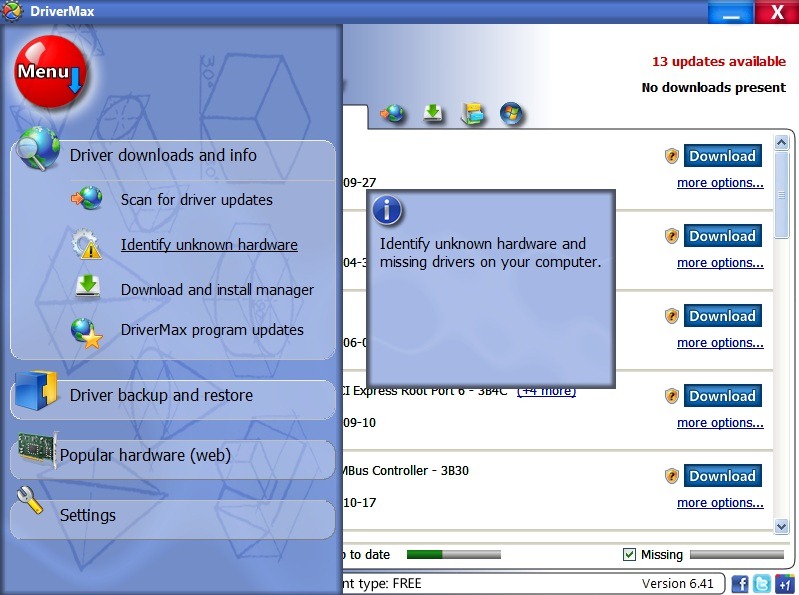
DriverMax Identify automatic hardware components installed in the computer, then search online driver updates to them.
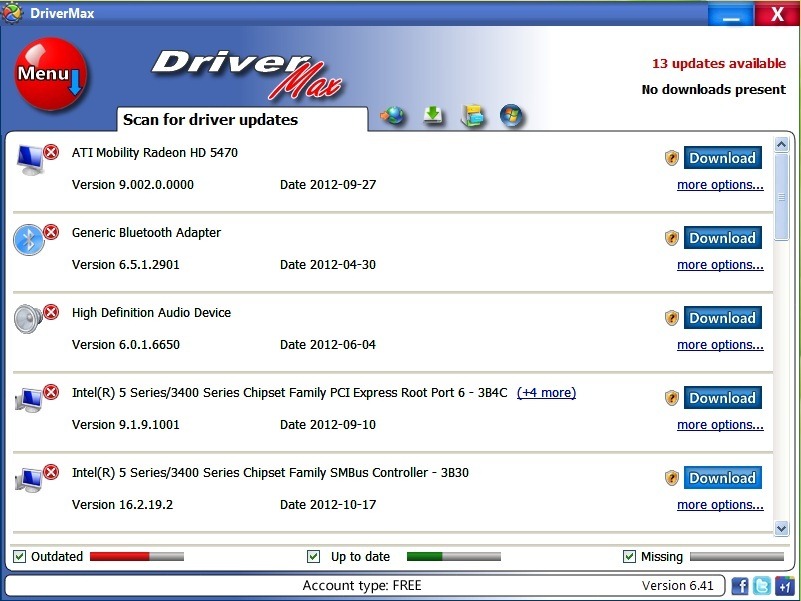
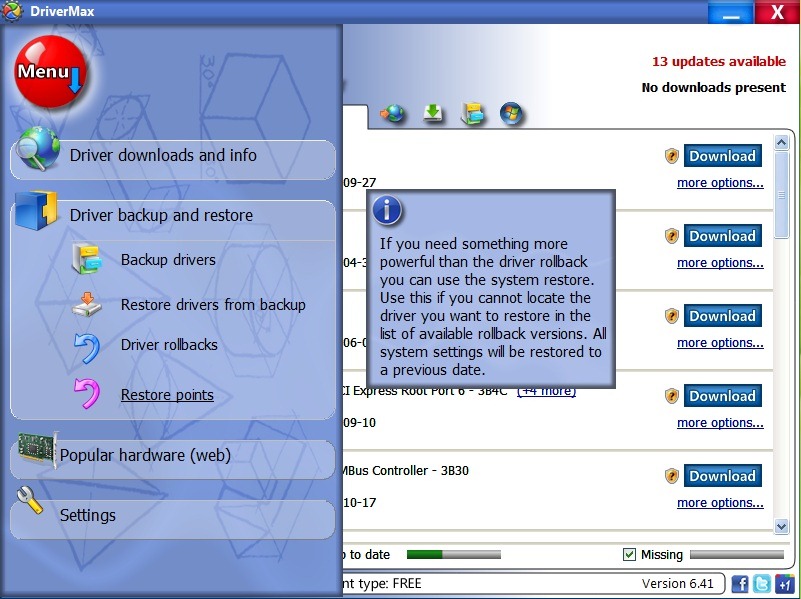
Program interface is easy to understand and use for all categories of Windows users, and in addition, DriverMax generates detailed reports about the hardware and about the installed drivers. Also, before updating the drivers, it allows users to create restore point-uri (for cases where the installation of the drivers is faulty).
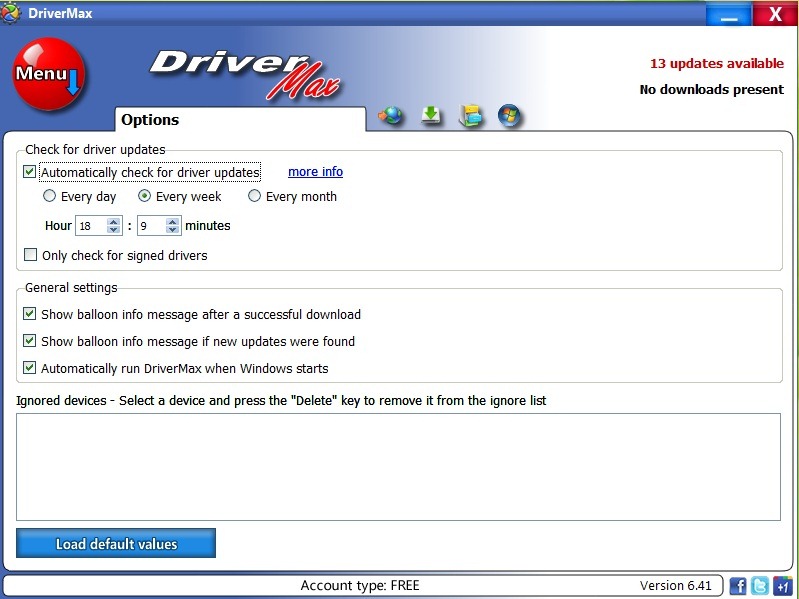
The program runs in background, and check frequently if they are available driver updates computer hardware components. If the drivers need to be updated, users are notified via pop-up notifications displayed in the Taskbar.
DriverMax supports most of them manufacturers of harware components, and can perform driver updates for any type of hardware, including mouse, USB devices, motherboards, sound boards, video cards And so on Also, the program offers users a database well established, which they can even use to identify and install drivers for unknown devices (unknown devices).
Note: DriverMax is compatible with Windows XP, Windows Vista, Windows 7 and Windows 8 (32 and 64 bits). To be able to use the program, users must first create a free account, a process that only takes a few moments.
STEALTH SETTINGS – Update Windows drivers with DriverMax


You may also be interested in...

One thought on “Update the drivers in Windows with Drivemax”